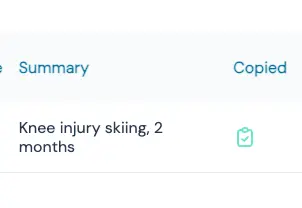
To make this clearer, we’ve added an icon on the dashboard page that shows whether or not the summary has already been copied to the EHR.
There are two ways to change the status of this icon:
- Manually via the conversation detail page
You can click the icon directly in the conversation detail page. This will change the status to “copied to EHR”.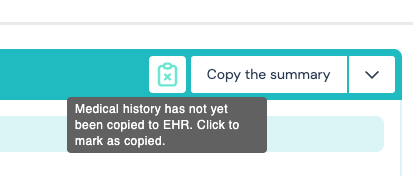
- Automatically via settings
You can also enable automatic status updates by going to:
- Settings > Interactions > General
- There, toggle “Automatically set status to copied” and click Save.
- From now on, every time you click the copy button, the status will automatically update to “copied to EHR”.
- You can still manually adjust the status at any time, as described in option 1.