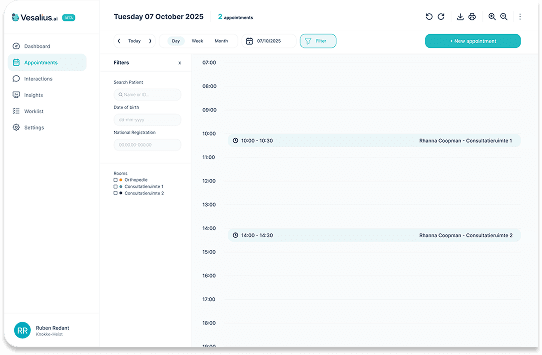
You can now fully customise how the Vesalius Scribe bot structures its consultation summaries by using output formats. This means you can define exactly which sections appear (e.g., Anamnesis, Clinical Examination, Diagnosis, Treatment Plan) and how they are presented.
Where can I manage output formats?
1. Go to Settings > Interactions > Consultations.
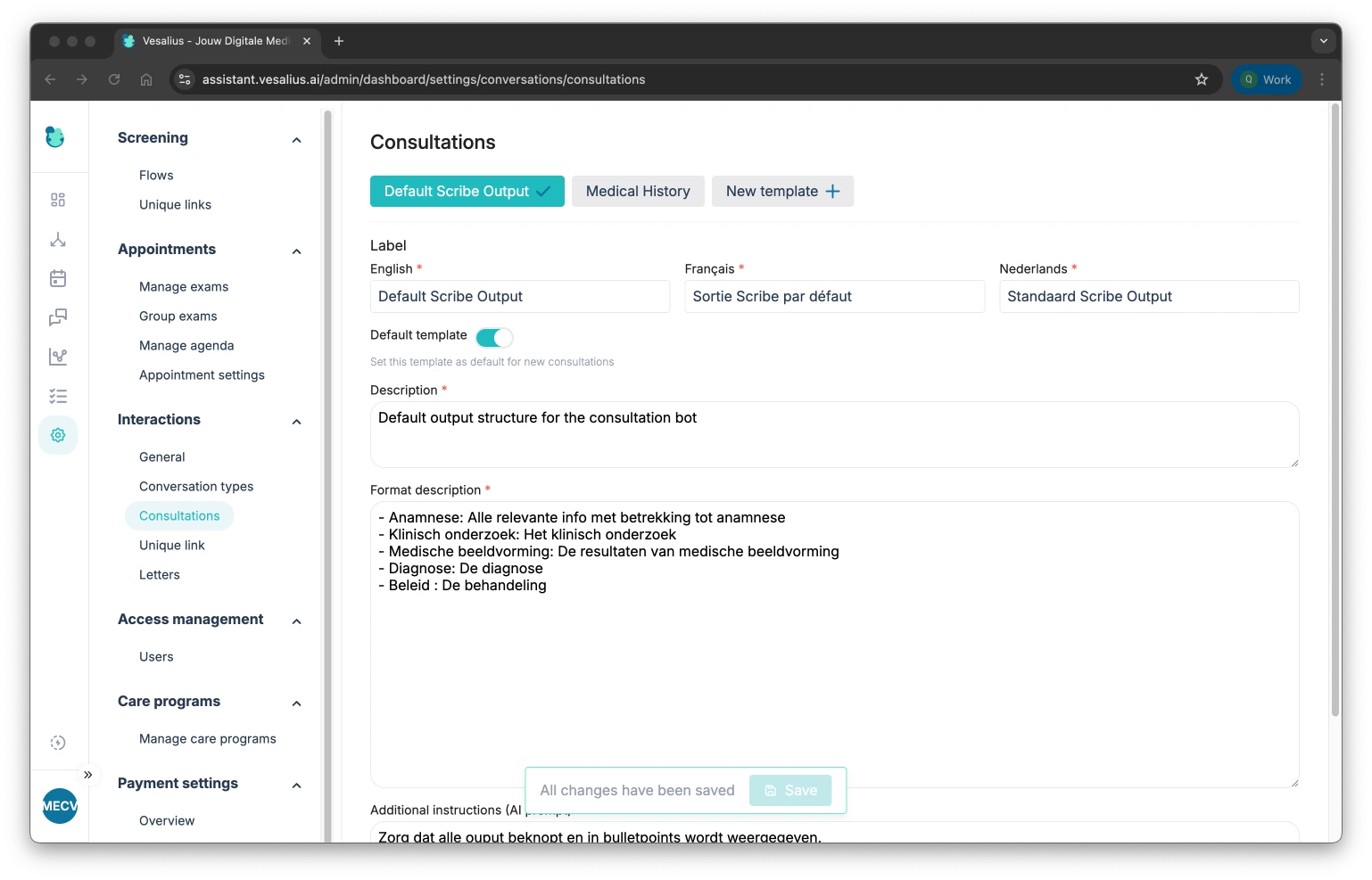
2. At the top of the page, you’ll find all available output formats for your institution.
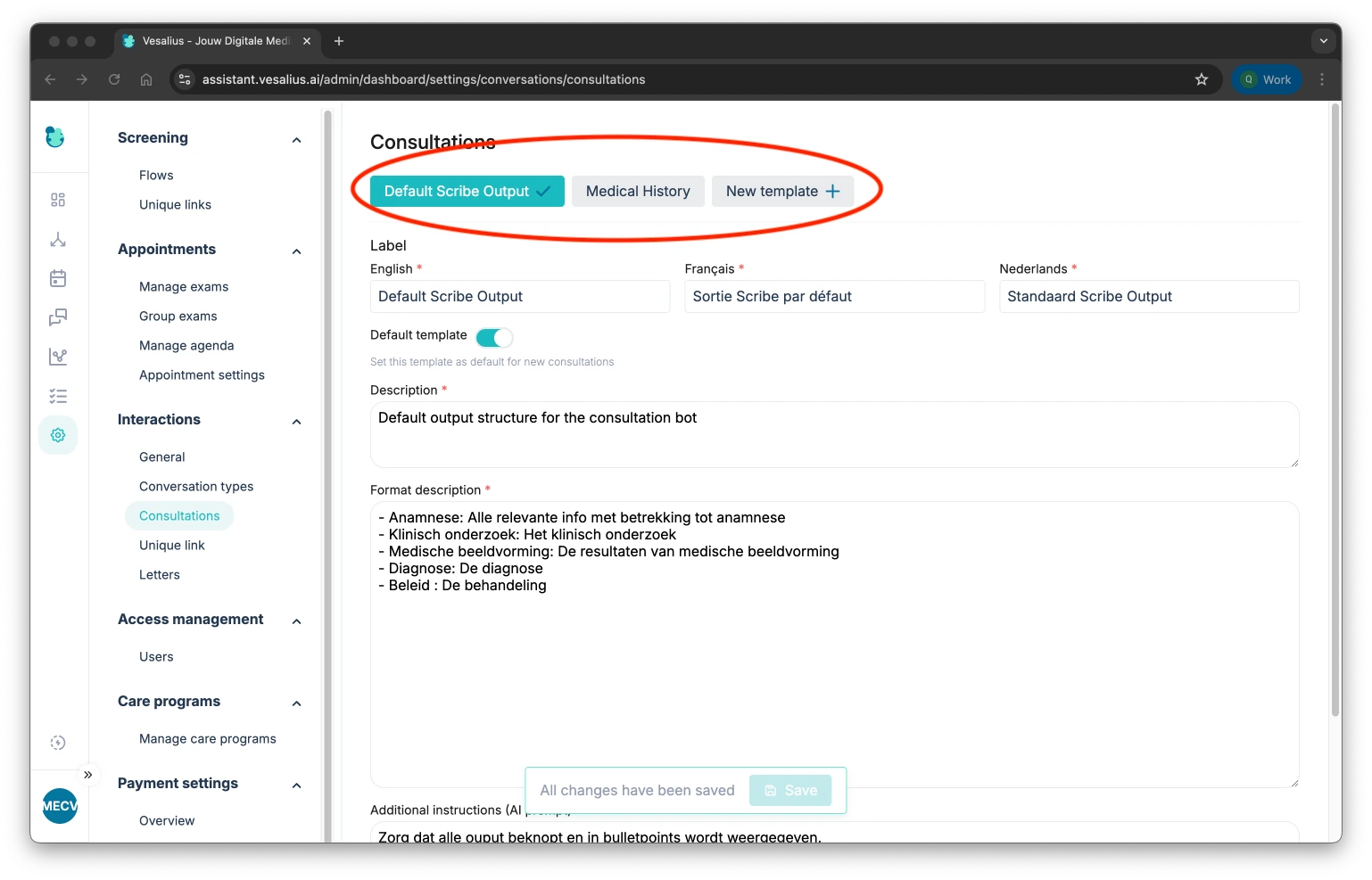
3. You can use one of these as the default output by clicking on the template and toggling default template

How can i create my own template?
You can start from an existing template and change it, or you create a new template:
1. You click on 'New template + '

2. Give your template a name, so you can easily recognise it (This can be based on different use cases)
3. Describe the purpose of this template
4. Describe the format
Here the purpose is to describe how you want the output to be, for example in my output I want my output structured as followed:
Subjective:
-  In this part i want all the patient-reported symptoms, history, pain, functional limits, and goals.

Objective:
- In this part i want all the clinician-observed findings: inspection, palpation, ROM, strength, tests, measurements.

Assessment:
- In this part i want all the clinical interpretation: suspected diagnosis, severity, key findings.

Plan:
- In this part i want all the next steps: treatment, exercises, tests, referrals, education, follow-up.
5. Afterwards we can add some additional instructions:
For example:
I want my output to be short and to the point, work with bullet points
I want another template used than the default one?
This is possible through regenerating your current output:

You can change the output template very easily by regenerating in another template:
